

Navigating the Online Portal
The Child Maintenance Service has an online portal where parents can securely access information about your child maintenance account. This section explains the online portal and what you can do and see on there.
Accessing the Online Portal
To access your online portal: Manage your child maintenance case online
You will need:
- Your 12 digit CMS reference number
- National Insurance number
- 7 digit PIN number
Once logged in the following options will be available:
From a laptop:

From a mobile under menu:
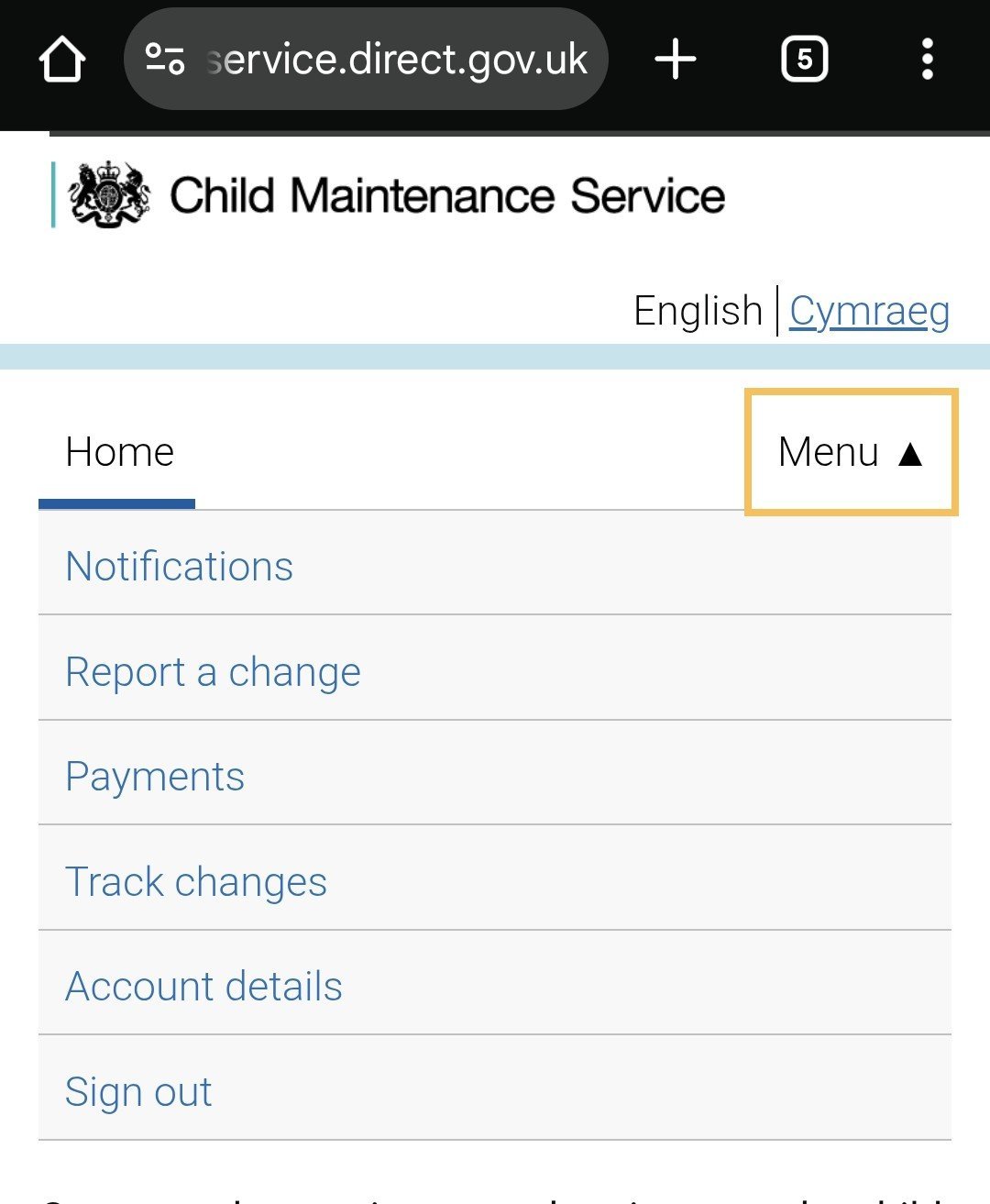
Account Details
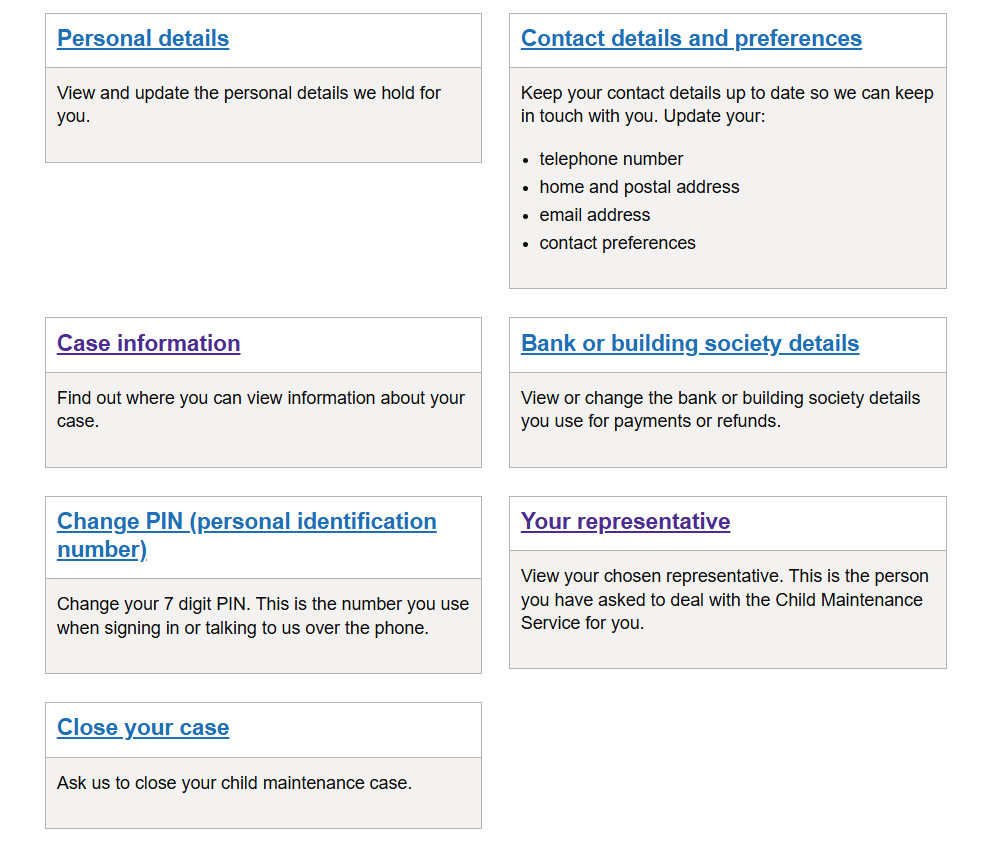
Here you can view, update or change any personal details.
- Personal Details: Name and address
- Contact preference: Tell CMS how and when to contact you.
- Case information: Payment calculations and schedules can be viewed here.
- Your representative: All parents are entitled to have a representative. This could be an individual or an organisation.
Report a Change
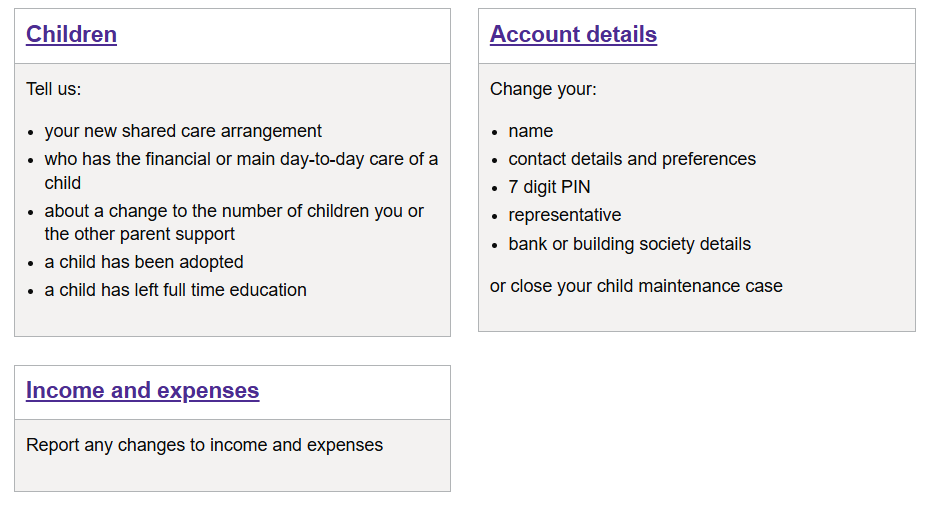
Report changes in this section to:
- Children
- Account
- Income & expenses
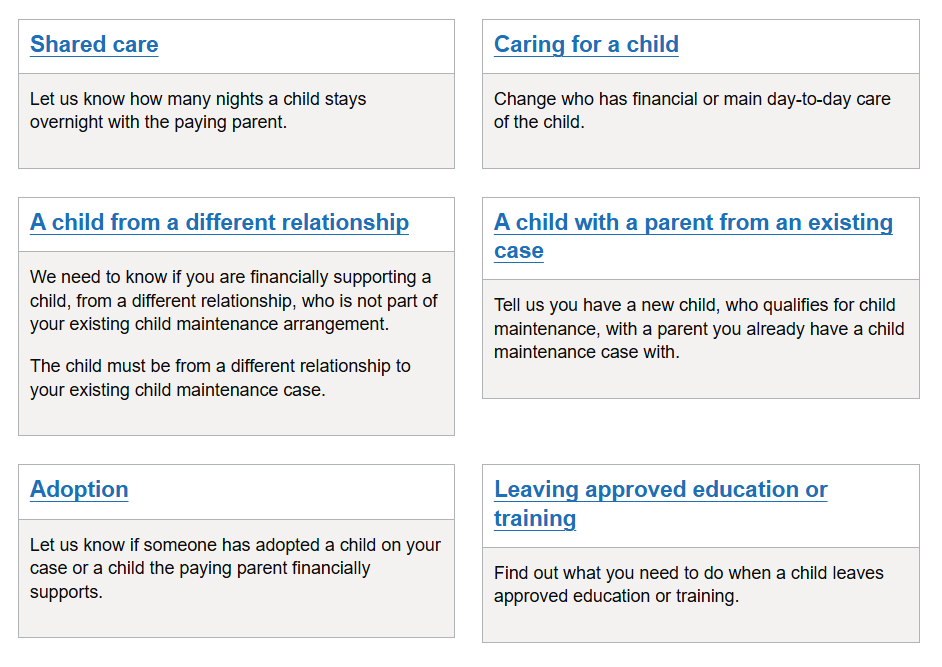
Children
Here, you can report changes regarding the children in your household.
Including changes to:
- How many children you have responsibility for
- If the child has left full time non advanced higher education
Income and Expenses
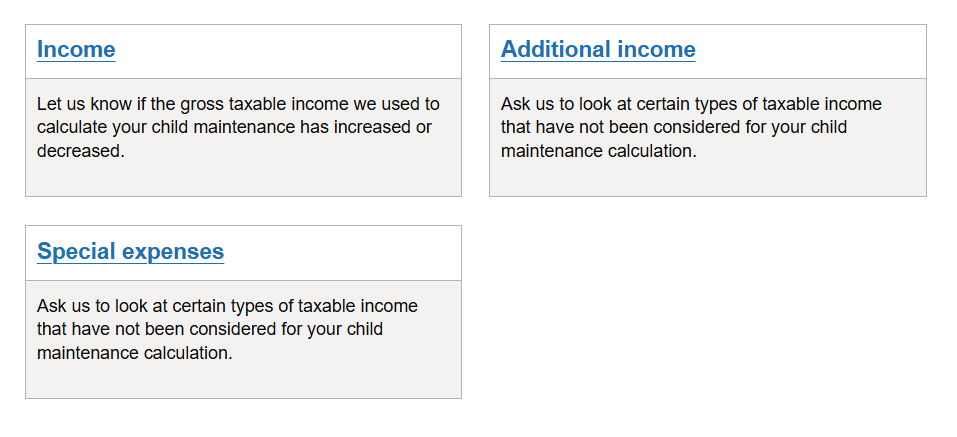
You can report any income changes in this section.
Income is to report any changes to the current income method used by CMS. For example if the calculation is based on a current HMRC figure or a state benefit.
Additional Income is where you feel there is other income that should be considered that was not previously taken into account by the CMS. This could be income from a property a paying parent rents to others, income from shares in a company or income from self-employment.
Special expenses: If you are a paying parent and have additional expenses including contact costs, boarding school fees or are paying the mortgage where the children, who you are paying child maintenance for, live or debt from before the separation, you can apply for special expenses to be considered. There are other conditions around these types of requests.
Good to know
Reporting additional income, a change in income or special expenses is often called a Variation.
To report a change to an income calculation already made, the amount must be at least 25% less or more than the current income figure. For example, if the paying parent's income is £10,000, their new income must be either under £7,500 or now over £12,500.
Payments
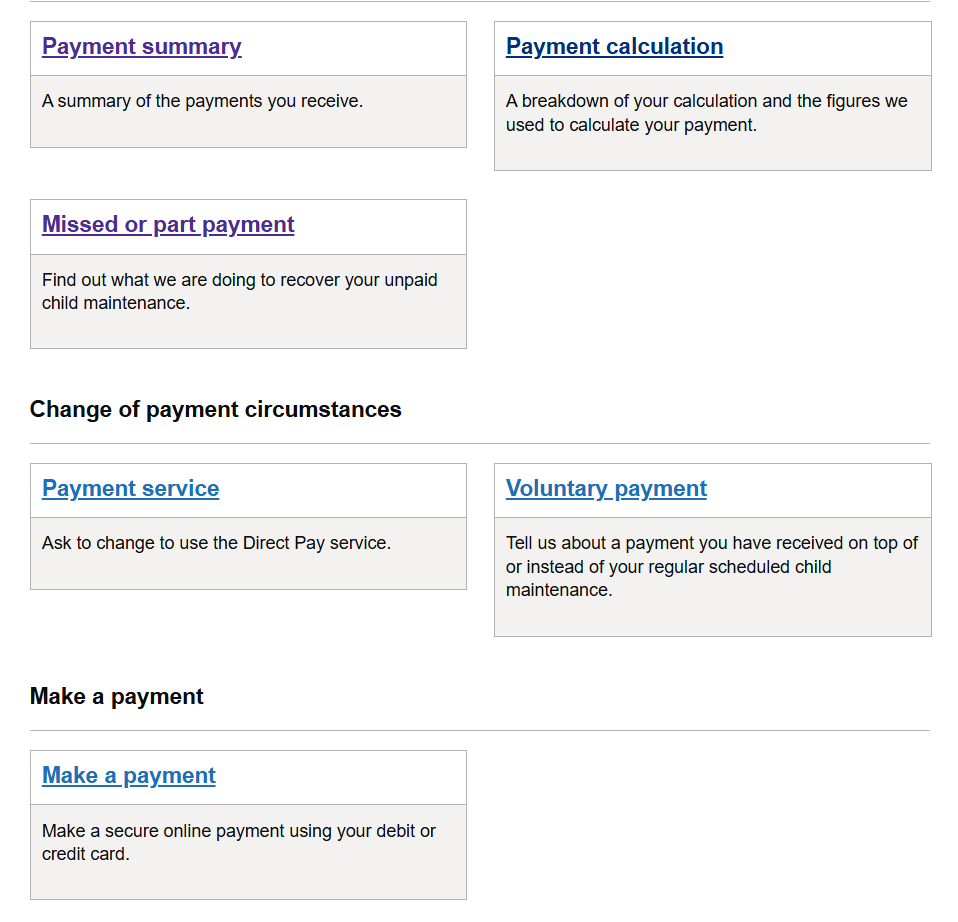
All information about payments can be found in this section.
- Payment Summary: Shows current payment amounts, last few payments, total amount received since last review and any arrears on the account.
- Payment Calculation: This will give you a breakdown of the current calculation in place.
- Missed or part payments: If you use the Direct Pay service this is where you report payments not paid in full or on time.
- If you use the Collect & Pay service this is where you will also find information on the amount of unpaid child maintenance, where applicable. There is also an option to look at historical payment information (highlighted 'payment history').
- Payment Service: Either parent can ask to change the type of arrangement from direct pay to collect and pay, or collect and pay back to direct pay.
Good to know
You can access historical information in the payment section under ‘payment history’ there is an option to 'change date period'.

Track Changes
Any changes you have reported should be displayed here.
You may also see certain changes the other parent has requested such as additional income.
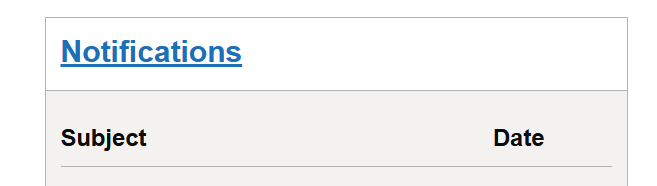
Any letters about decisions made following a reported change will be in 'Notifications'.

Notifications
Communication from the CMS will be shown in this section. A digital copy of any paper letters sent to you will be stored securely here.
When there is a new notification, click on the link. There will be a downloadable letter and any other help guides to open.
You will be sent an SMS or email, depending on your contact preference, to tell you there is a new notification.
You can change your contact preferences by selecting Account details then Contact preferences.
The device the letter is being downloaded on must be able to read PDF files.
Webchat
There is a webchat facility on the portal to support you reporting any changes online.
Once you've selected the reported change, to access webchat, select 'If you need help with this change' on the bottom of the page.
Webchat support is only available during CMS opening hours.
Find more information about the opening hours: Child Maintenance Service: Contact the Child Maintenance Service - GOV.UK